VRChat
by VRChat Inc.
About
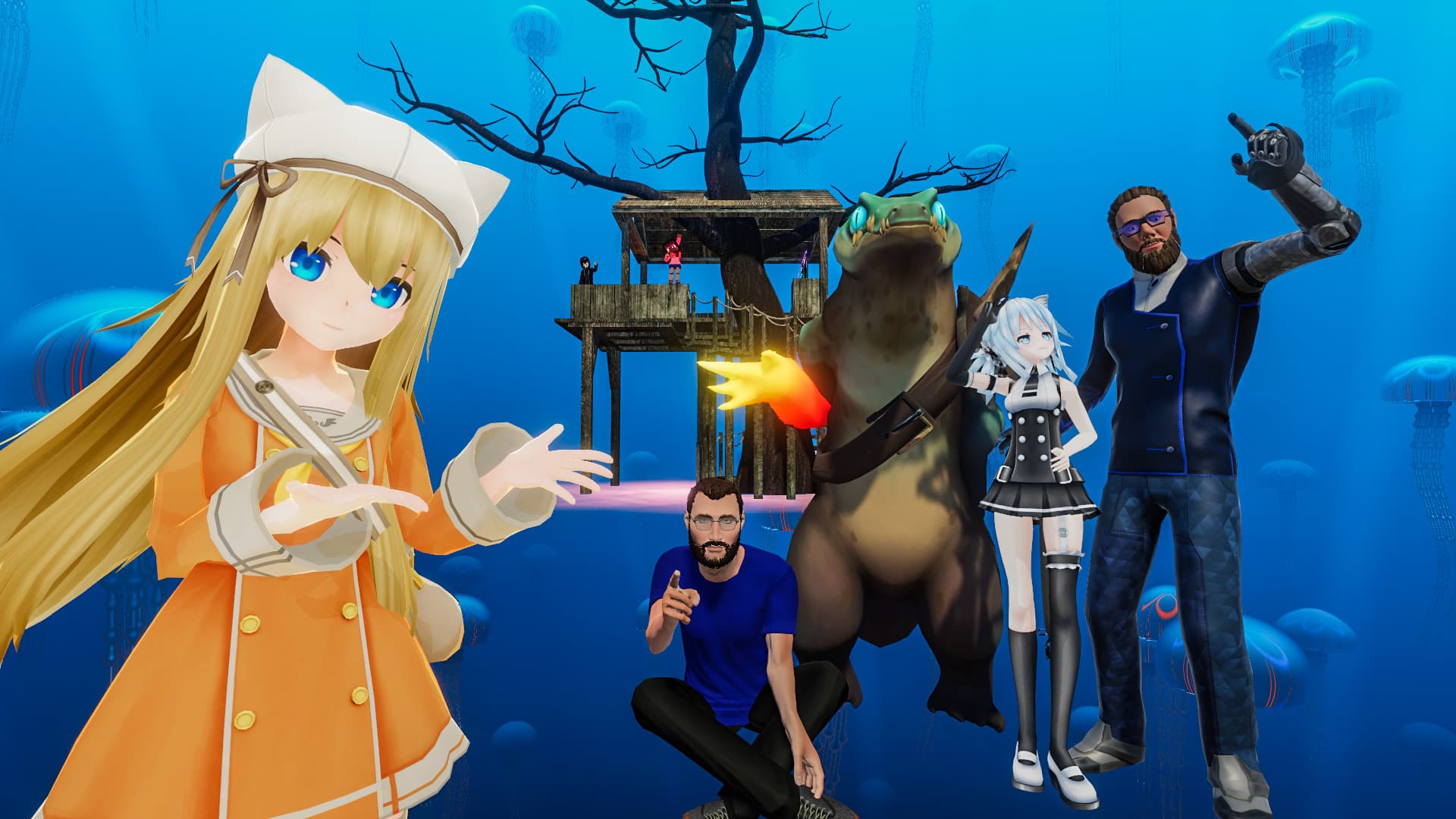
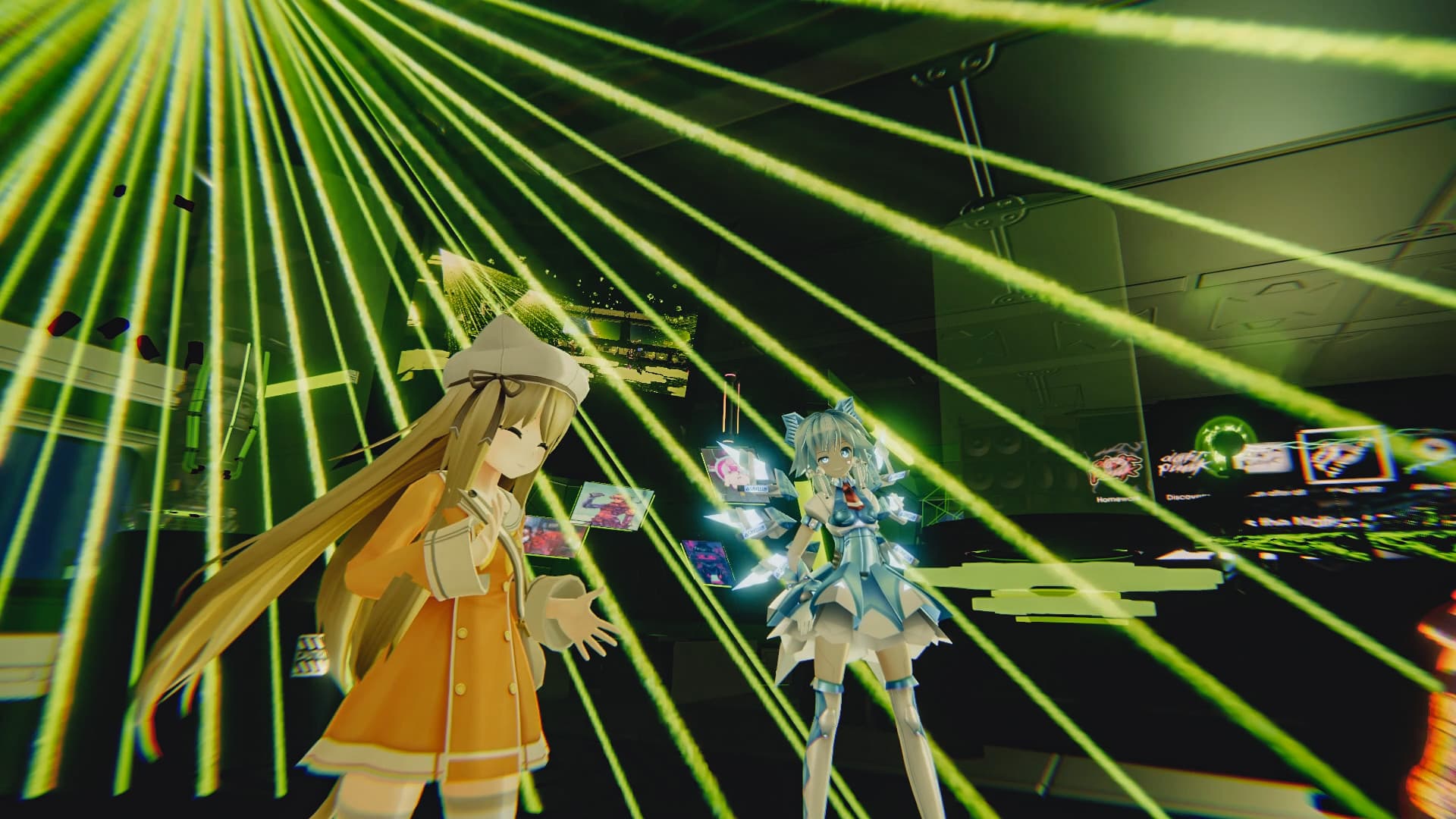
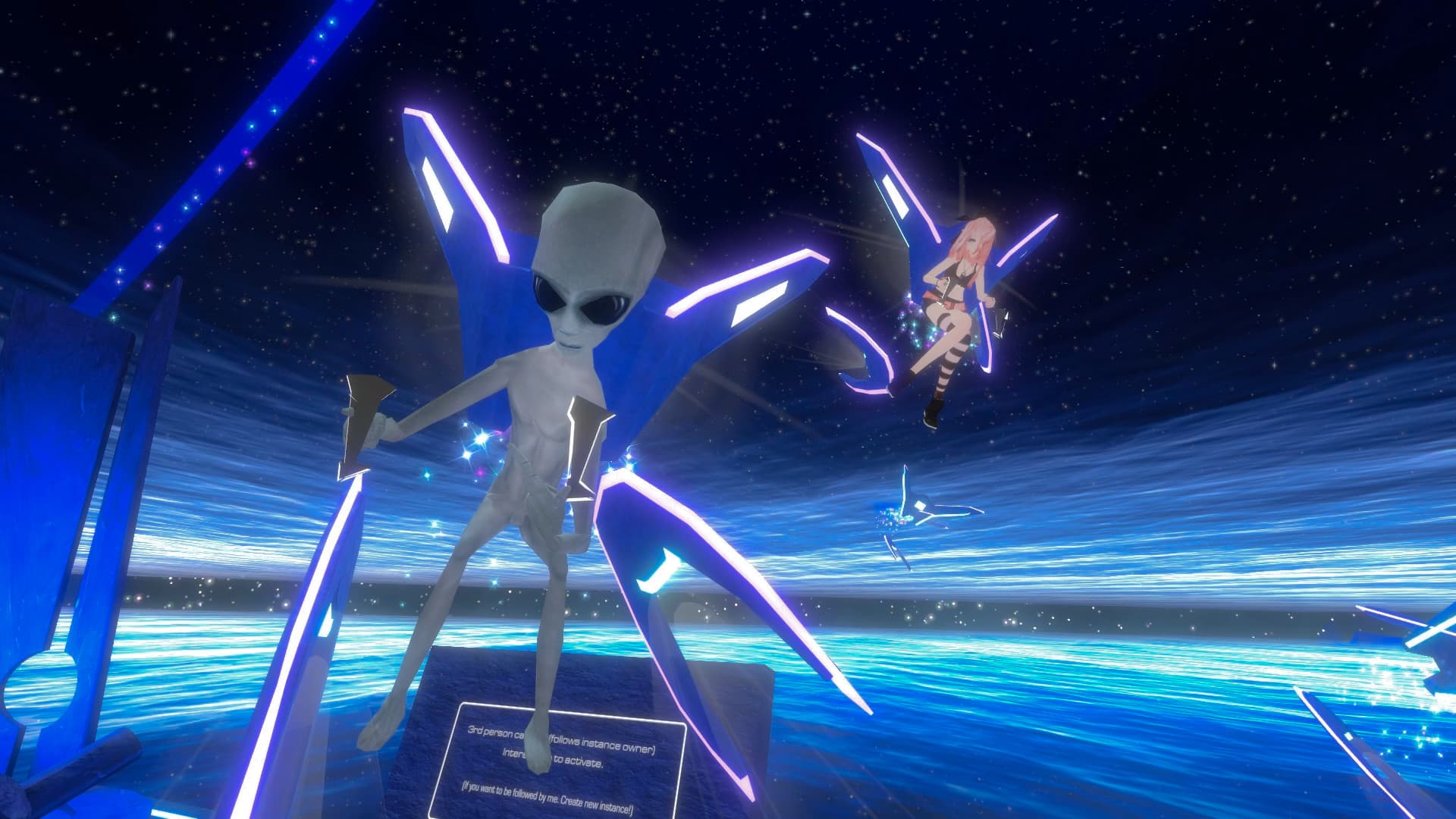
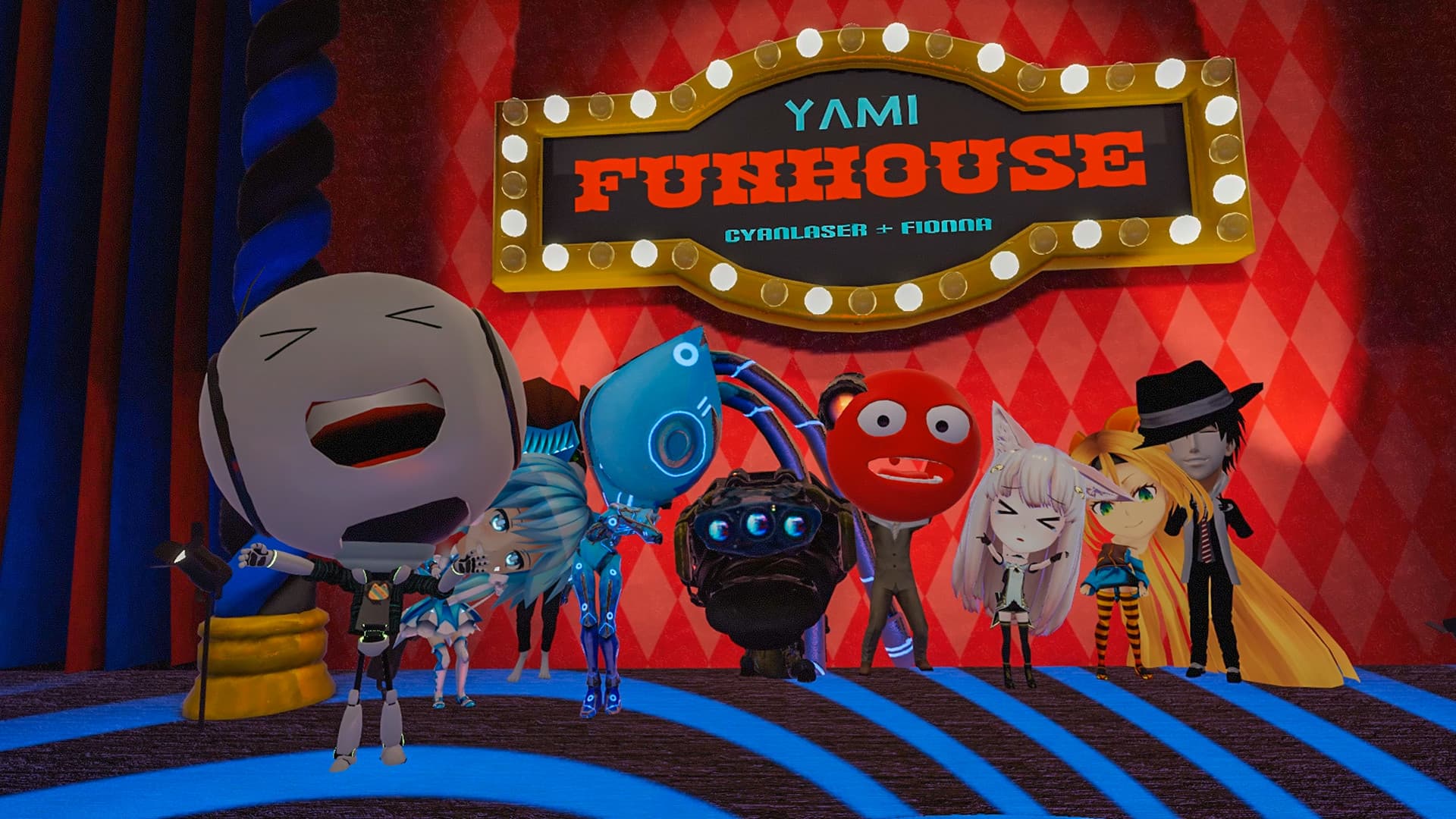
Imagine a space filled with limitless possibilities. Spend your afternoon dogfighting in fighter jets, before winding down in a treehouse that exists floating in a nebula. Make a new best friend while exploring a haunted mansion, right before playing a hand of cards with a robot, alien, and eight-foot tall wolf. In VRChat, there are hundreds of thousands of worlds, millions of avatars – all created by the users. No matter what you’re into, there’s a space in VRChat for you. And if there isn’t, we’ll give you the tools to make your dream a reality. While not required to join in on the fun, VRChat was built to take advantage of VR headsets in many unique ways. That means avatars that flow with your movement, and systems that work alongside various hardware platforms to provide full-body tracking, finger tracking, and much, much more. There’s something magical around every corner. Come take a look, and see what you find. In VRChat, there’s always something to do – and people to meet there. Visit a planetarium and have a chat about astronomy. Go on a virtual hike through a majestic fantasy forest. Pull up to a car meet, and talk shop with some gearheads. Attend a live music event underneath a chemical storage facility, and talk obscure genres with DJs. Once you find your crowd, join their Group, and you'll be able to find them again the next time you're on. Your community – whatever it is – is here. There are thousands of games to play in VRChat. Try running a kitchen in a busy restaurant, or racing go-karts in zero gravity. Fancy a battle royale? We’ve got those, too -- just probably with a wider diversity of avatars than you’ve ever seen before. It doesn’t matter what you like to play: casual card games, shooters, racing, platformers, puzzles, horror, and of course, endless party games. If you want to play it, it probably exists here (and if it doesn't, you can build it yourself). Everything here was built by the community using the VRChat SDK. Combined with Unity and Udon, our in-house scripting language, we give our users as much power as possible to build whatever their imaginations can conjure up. But creation isn’t just limited to worlds. VRChat provides a level of creative freedom that is unmatched anywhere else, and nowhere is that reflected best than on the avatars of our users. In VRChat, you can be anything, and explore your identity however you’d like. Want to be an alien? A talking dog? A sentient shoe with glowing bits that react to the beat of music by changing color? I mean, sure, if that’s what you’re about. Come on in -- hundreds of thousands of worlds (and a whole bunch of new friends!) are waiting for you.
Frequently Asked Questions
Q.How do I log in to VRChat?
A.Launch VRChat on the device you use (PC, Quest/Pico, mobile or web), then sign in using a VRChat account (email + password) or with a platform account (Steam, Meta/Quest, Pico, Viveport, Google). You can create a VRChat account on the official site and verify your email, or link/merge a platform account from inside the app for one‑click logins.
Q.What is the VRChat Home feature?
A.VRChat Home is the default personal starting world you spawn into in VRChat — a private, customizable hub for adjusting settings, previewing avatars, and launching into other worlds.
Q.How do I get new avatars in VRChat?
A.Use the Avatars menu to browse the in‑game Avatar Marketplace, visit avatar worlds or clone other players, or import/upload custom avatars using the Creator tools (Unity/Creator Companion + VRChat SDK).
Q.How does age verification work in VRChat?
A.VRChat’s age verification is an optional, VRC+ early-access feature that uses a third‑party (Persona) to confirm your government ID and a live selfie; verified 18+ users can join age‑gated instances and display an optional badge. ([hello.vrchat.com](https://hello.vrchat.com/blog/age-verification?utm_source=openai))
Q.Is there a way to search for specific avatars in VRChat?
A.Yes — you can search for avatars in VRChat using the in-game Avatars tab (including the Avatar Marketplace) and by visiting community avatar-search worlds or external index sites that catalog avatars.
Q.What is the official VRChat website for?
A.The official VRChat website (https://hello.vrchat.com, accessible via vrchat.com) is the platform’s central hub for getting the app, logging in, learning about the service, and accessing creator and support resources.
Q.What is the VRChat Creator Companion and how do I use it?
A.The VRChat Creator Companion (VCC) is VRChat’s official desktop tool that installs and manages Unity, the VRChat SDKs, and package libraries so you can create and update avatars and worlds. Use it to create new projects from templates, open them in the correct Unity version, and install or migrate packages via the VRChat Package Manager (VPM).
Q.Can I play VRChat on my mobile device?
A.Yes — VRChat has an official mobile app for iOS and Android (released October 2025). Most modern phones can run it, but it requires iOS 17 / Android 10 and at least 6GB of RAM for the full experience; lower‑RAM devices may be limited to the Companion features or unable to install.
Q.How can I check the VRChat server status?
A.Check VRChat’s official status page first (status.vrchat.com); if needed, cross-check the official Discord, Help Center, and third-party outage trackers like Downdetector for regional or community reports.
Q.Where can I download VRChat?
A.You can download VRChat for free from the official VRChat channels: the PC/desktop Steam store, the Meta (Oculus) Quest store and other headset stores, and the official mobile app stores (Apple App Store and Google Play). For the most reliable installs and platform-specific instructions, use VRChat’s own Getting Started page or the store page for your device.
Q.Where can I find VRChat avatar commissions?
A.Look first to the VRChat Avatar Marketplace and vetted community hubs (notably the VRC Traders Discord) — supplemented by creator Discords, Booth.pm, and reputable marketplaces like Fiverr or Etsy; always verify portfolios and avoid unsolicited DMs to reduce scams.
Q.Where can I find support for VRChat issues?
A.Get help from the VRChat Help Center (submit a ticket via the Zendesk “Submit a request” page), use the in‑app Report/Block tools for harassment, file bug reports on VRChat’s feedback board (Canny), or ask the community on the official VRChat Discord.
Q.How do I reset my VRChat password?
A.Go to VRChat’s password recovery page, enter the email tied to your VRChat account, and follow the reset link they send. If you signed up via a platform (Steam/Oculus/Viveport) or don’t get the email, follow VRChat’s troubleshooting tips or contact support.
Q.What new features are included in the VRChat 2025.4.2 update?
A.VRChat 2025.4.2 (Open Beta) adds Group and Event sharing, a new Group Discovery flow, a Mutuals indicator, UI/shop improvements, several networking and avatar/item fixes, and a number of mobile-specific bug fixes and quality-of-life changes.
Q.Where can I find information on the VRChat website?
A.Most official VRChat information is on the VRChat Help Center for user support, the VRChat Docs/Creator Hub for developer and creator guides, and several site sections for safety, downloads, and policies.
Screenshots
Game Information
- Genre
- Adventure
- Release Date
- Feb 1, 2017
- Publisher
- VRChat Inc.
- Last Updated
- December 5, 2025