Blender
by Blender Foundation
About
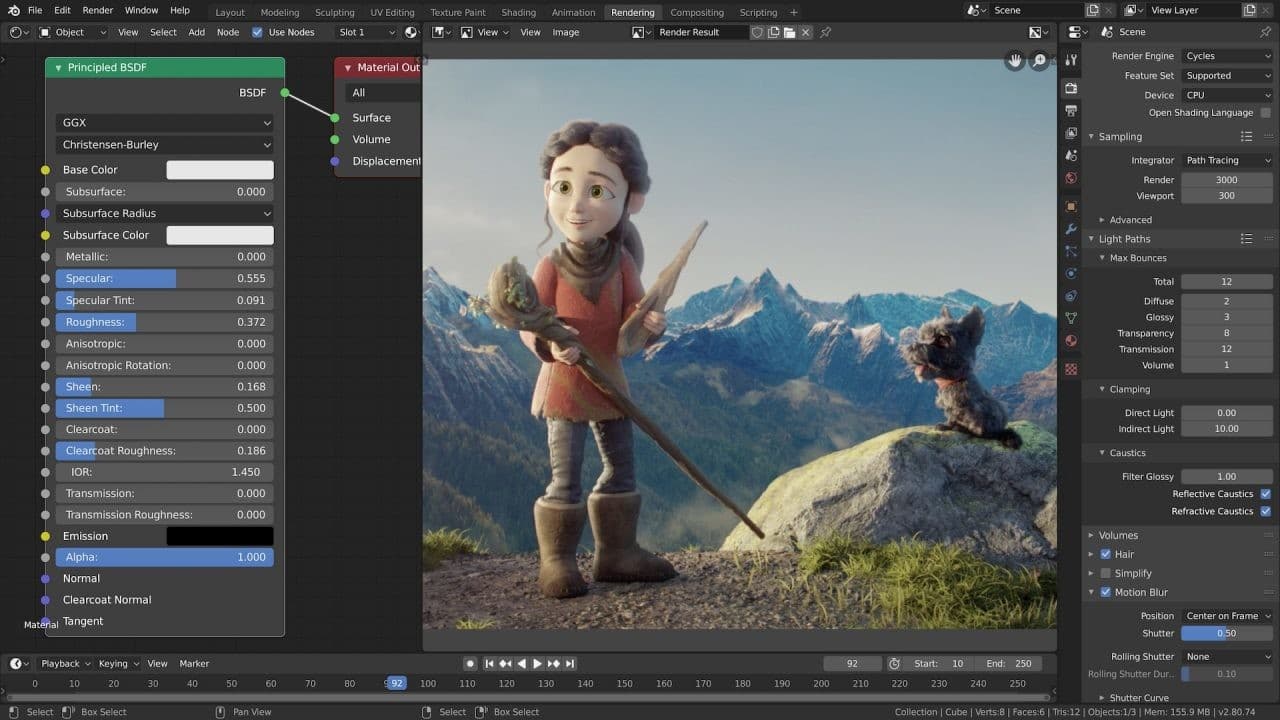
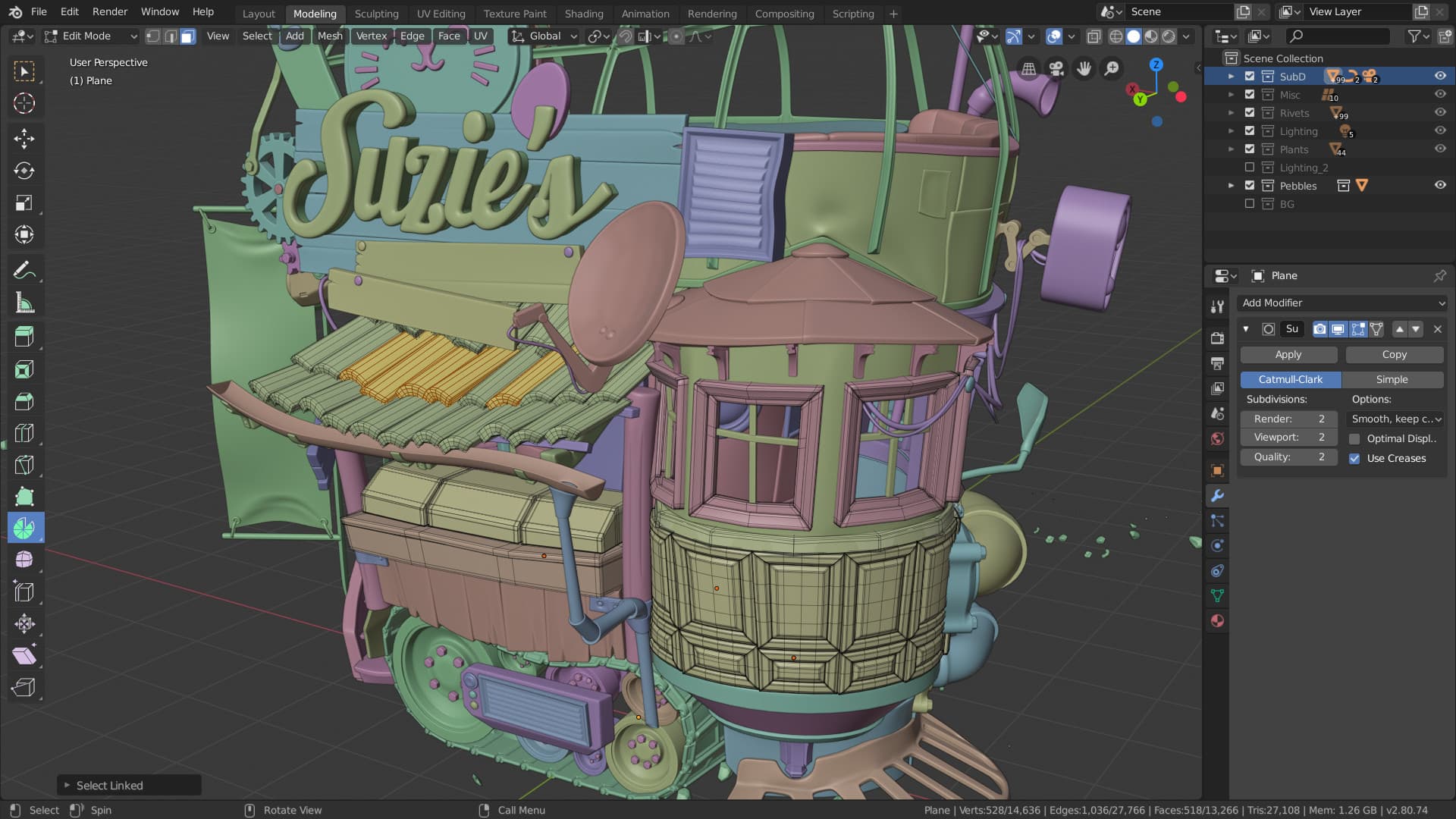
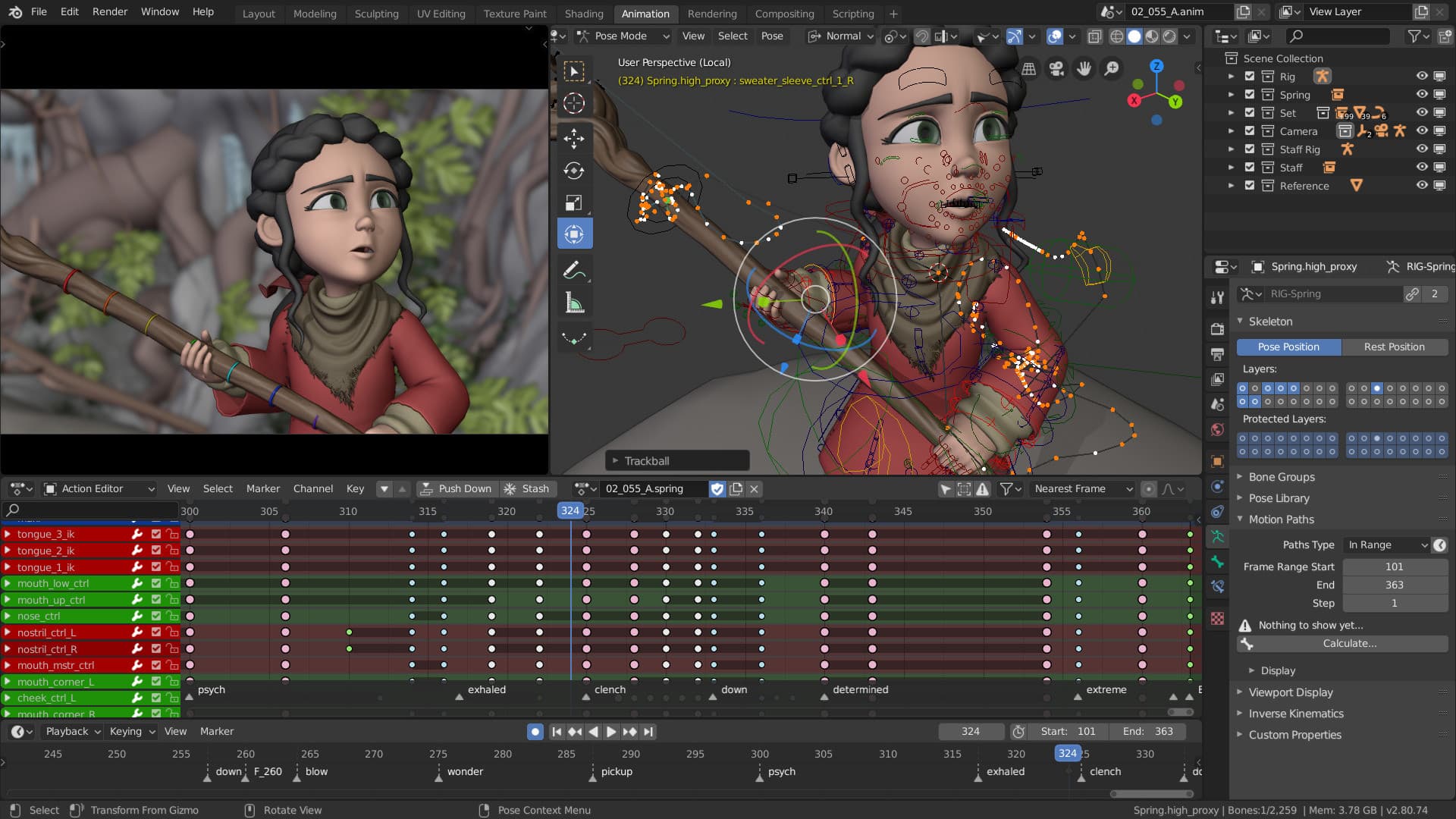
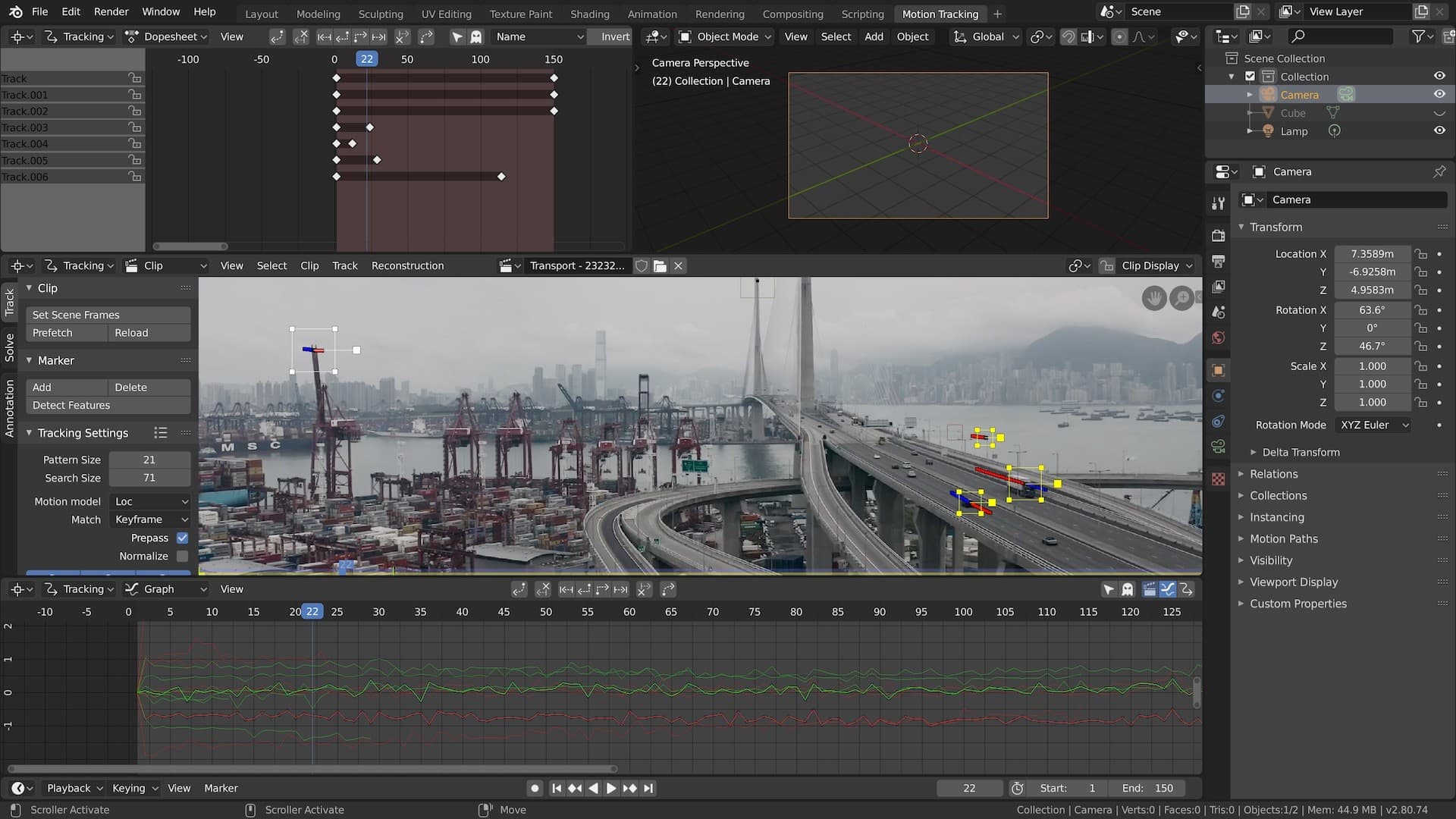
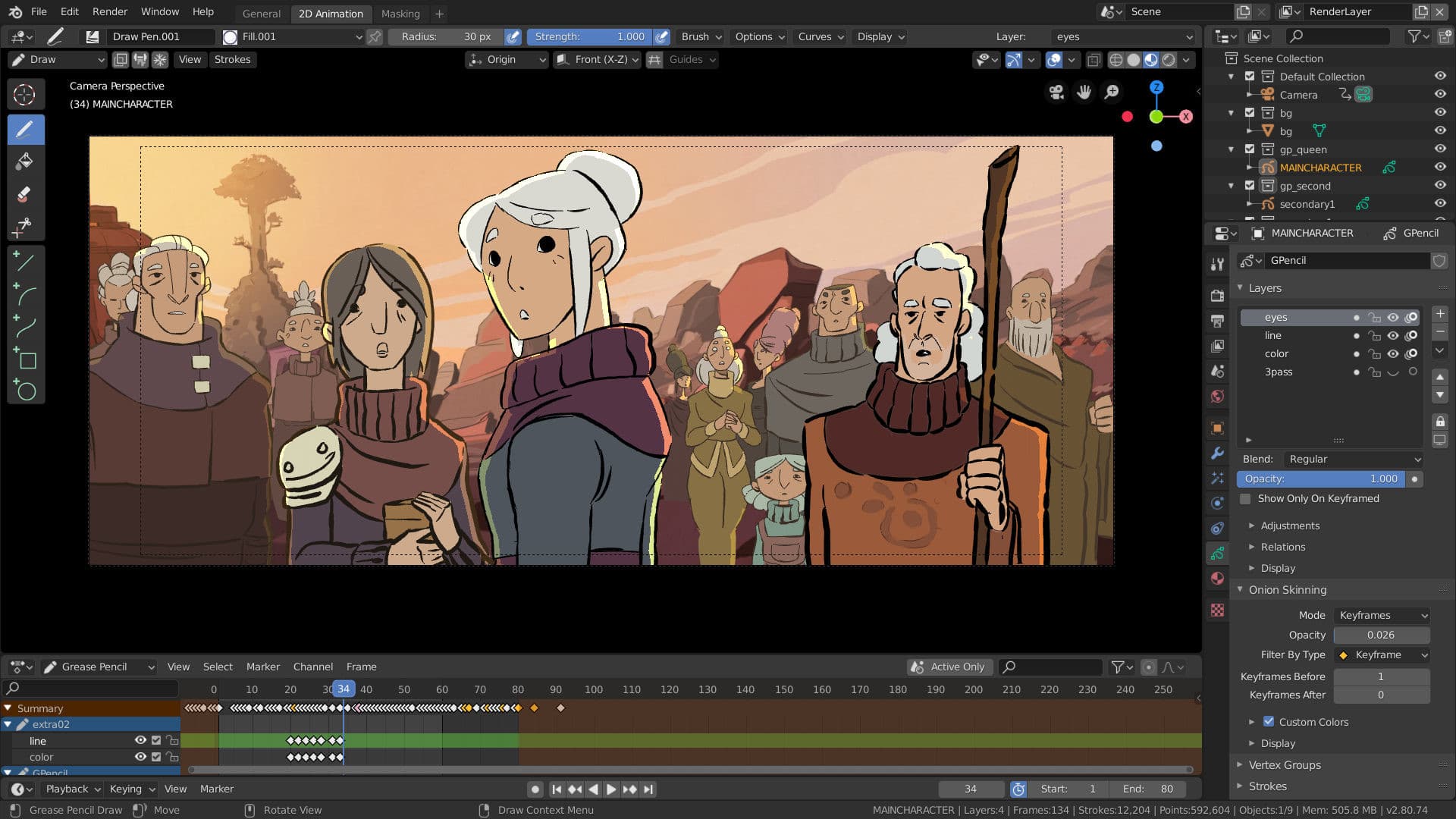
Blender is a free and open source 3D creation suite. It supports the entirety of the 3D pipeline—modeling, rigging, animation, simulation, rendering, compositing and motion tracking, and video editing. Advanced users employ Blender’s API for Python scripting to customize the application and write specialized tools; often these are included in Blender’s future releases. Blender is well suited to individuals and small studios who benefit from its unified pipeline and responsive development process. Examples from many Blender-based projects are available in the showcase. Blender is cross-platform and runs equally well on Linux, Windows and Macintosh computers. Its interface uses OpenGL to provide a consistent experience. To confirm specific compatibility, the list of supported platforms indicates those regularly tested by the development team. As a community-driven project under the GNU General Public License (GPL), the public is empowered to make small and large changes to the code base, which leads to new features, responsive bug fixes, and better usability. Blender has no price tag, but you can invest, participate, and help to advance a powerful collaborative tool: Blender is your own 3D software.
Frequently Asked Questions
Q.Are there any recommended settings for Blender?
A.Yes — use GPU rendering (OptiX/CUDA/HIP/Metal) when possible, tune Cycles performance (tile size, Persistent Data, threads), and reduce viewport load (texture limits, lower viewport resolution). See Blender’s official docs for exact steps and hardware guidance.
Q.Where can I download Blender?
A.Download Blender for free from the official Blender website or through trusted app stores (Steam, Microsoft Store, Snap/Flatpak); source code and development builds are available from Blender’s GitHub and the official download pages.
Q.What kind of software is Blender?
A.Blender is a free, open-source 3D creation suite that supports the entire 3D production pipeline (modeling, animation, rendering, compositing, motion tracking and video editing) and is released under the GNU General Public License (GPL).
Q.Can I customize themes in Blender?
A.Yes — Blender lets you fully customize the UI theme (colors, sizes, and editor-specific settings), save and install theme presets as XML files, and use community add‑ons to automate or extend theme behavior.
Q.Is Blender available for iPad?
A.Not yet — there is no official Blender app on the iPad App Store as of December 5, 2025, but the Blender Foundation announced a native iPad build in mid‑2025 and is actively developing tablet support with demos and early builds available to testers.
Q.What is BlenderKit?
A.BlenderKit is an integrated online asset library and Blender add-on that provides models, materials, HDRIs, brushes, scenes, node groups and more—offering both free assets and a paid Full Plan that supports creators and open-source development.
Q.What's new in Blender 5.0?
A.Blender 5.0 delivers major production upgrades, notably built‑in ACES 2.0 color management with HDR support, a big expansion of Geometry Nodes, and broader asset/viewport improvements. It’s a step toward a more pipeline‑friendly, HDR‑ready 3D tool for film, game, and VFX work.
Q.How can I create animations in Blender?
A.Blender animations are built by keyframing properties over time and refining with Timeline, Dope Sheet, Graph Editor, and NLA. Start by inserting keyframes (I) on objects or bones, then tweak curves and layer actions for complex sequences.
Q.Where can I find Blender tutorials?
A.Blender tutorials are available from official and community sources, including the Blender Tutorials page, Blender Studio, Blender Guru, BlenderNation, and paid learning platforms.
Q.What is Blender 3D?
A.Blender is a free, open-source 3D creation suite that handles the entire pipeline—from modeling to video editing—with Python scripting and cross‑platform support.
Screenshots
Game Information
- Genre
- Animation & Modeling
- Release Date
- Apr 24, 2015
- Publisher
- Blender Foundation
- Last Updated
- December 5, 2025